Zoe Music Player plays the music files already on your phone. That's it.
No account. No subscription. No feed to scroll. If you have songs on your device and you just want to press play, this is for you.
What It Does
- Plays the audio stored on your device — MP3, FLAC, WAV, AAC, OGG and M4A
- Browse by Songs, Albums, Artists, Folders or Playlists
- Search your whole library
- Create playlists, rename them, delete them, add songs from anywhere in the app
- Mark favorites and pick up where you left off from Recently Played
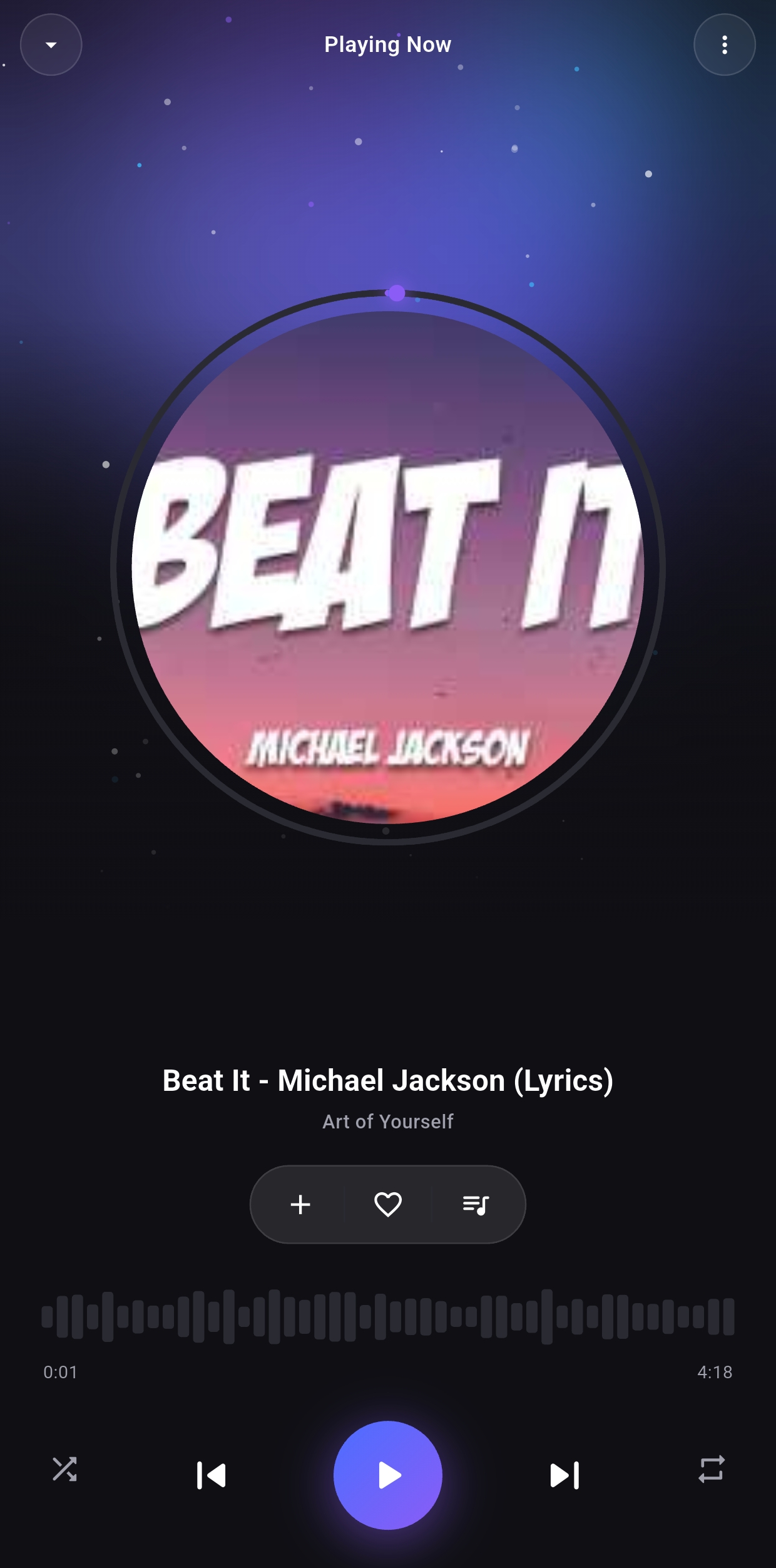
- Shuffle, repeat, and a queue you can open and drag into the order you want
- Keeps playing in the background, with controls in your notification shade and on the lock screen
- Responds to headset, Bluetooth and car media buttons
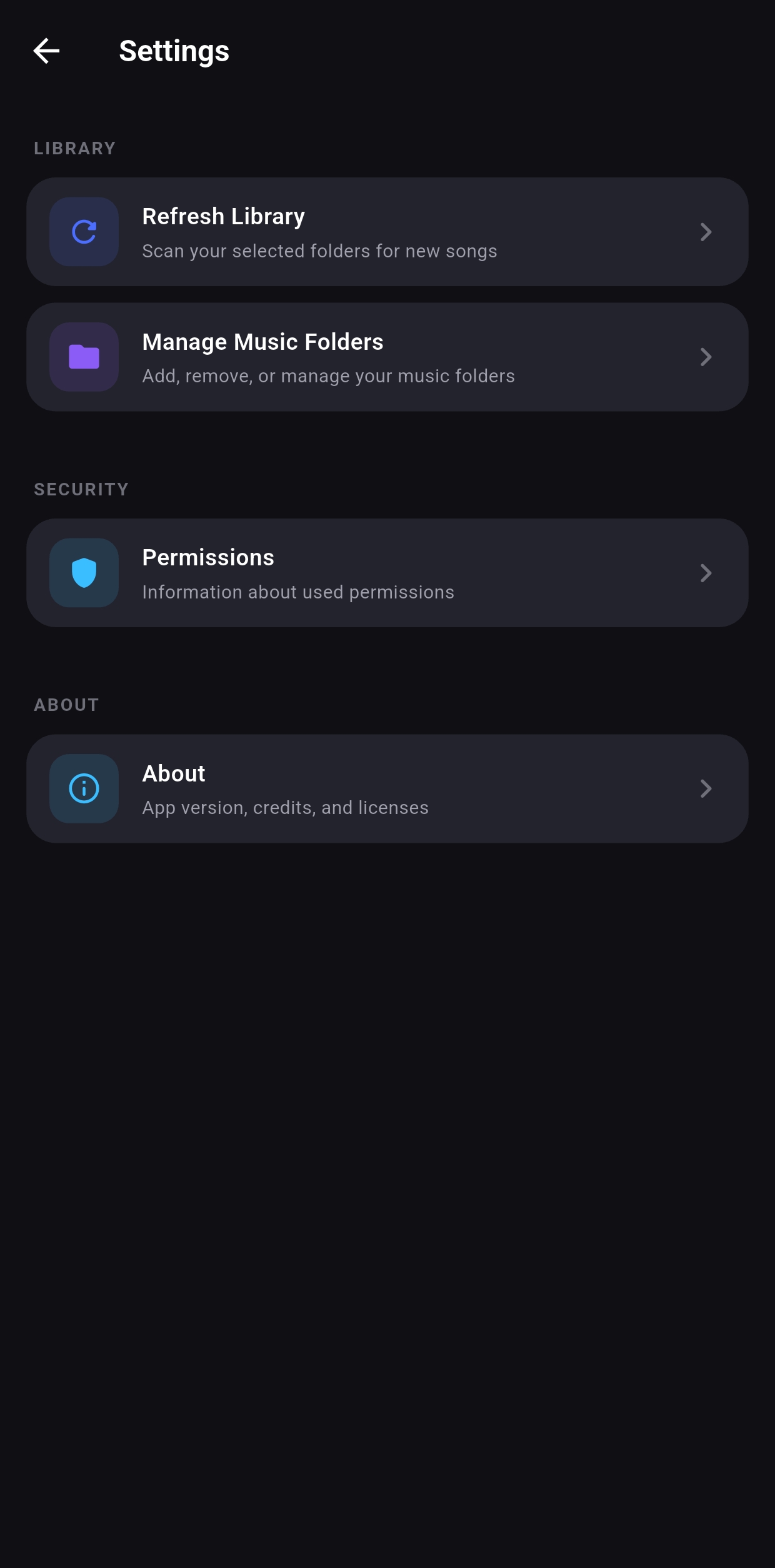
- Choose exactly which folders get scanned, so ringtones, podcasts, voice notes and audiobooks stay out of your music library unless you want them there
- Light and dark themes
Free, With Ads — Or Subscribe To Turn Them Off
Zoe is free to use, and ads are what pay for it. If you'd rather not see them, an optional subscription hides the ads for as long as it's active.
Being straight with you about what that is and isn't:
- It's a recurring subscription billed through Google Play, not a one-time payment. The price and billing period are shown before you confirm anything.
- It does not unlock features. Every feature listed above is already in the free version. The only thing you're paying for is a quieter screen.
- You can cancel any time from Google Play. Cancelling brings the ads back and nothing else changes — your music, playlists and favorites stay exactly as they are.
Ads That Don't Follow You Around
Plenty of free players pay for themselves by watching what you listen to. Zoe doesn't.
- Zoe has no analytics, no crash reporting and no tracking code of its own. It doesn't log what you play, build a profile of you, or sell anything to data brokers. There is nothing in the app doing that.
- The ads are non-personalized. They aren't targeted using your listening history, your library or a profile of you.
- Your music never leaves your device. Your library is read on your phone and stays there.
To be straight about the part that isn't ours: ads are served by Google, and Google receives your device's advertising ID to show them and to stop the same ad repeating. That's disclosed in full on the listing's Data safety section. You can reset or delete that ID any time in Android settings, and subscribing turns the ads off entirely.
What It Still Doesn't Do
- No account, no sign-up, no email
- No streaming catalogue, no recommendations, no social features
- No uploading your library anywhere — your music files stay on your device
- Your music itself plays offline. A connection is only used to load ads and to check your subscription with Google Play.
Permissions, And Why
- Music and audio — required to find and play the files on your device. Your files are read on-device and are never uploaded.
- Notifications — used only to show playback controls while music is playing.
- Internet — used to load ads and verify your subscription. Playback itself never needs it.
Zoe Music Player is for people who already have their music and want a player that opens fast, finds their songs, and then gets out of the way.